One shape morphs through a dozen UI states on the beat ("this entire video is code, 0 after effects", X video)
zero (@twoclipping) · 2026-09-24 · ai-made · 1,009,771 views
Made by AI
Model: Claude Opus 5.5 · Series: Code-rendered film: the "15-second showreel" prompt
Evidence: X post (2026-09-24): 'opus 5.5 is f*cking cracked at motion design / / this entire video is code, 0 after effects / / im open sourcing the prompt template for these motion designs / / steal it to recreate these ↓ / / <inputs> / Ask me for: 8 to 12 UI states I want the shape to become (e.g. button, loader, player, slider, toggle, tabs, chart, command palette, toast), pure black and white or one accent color, and a royalty-free song around 120 BPM (e.g. ...'
Human role: Wrote a detailed structured prompt template (inputs, direction, banned effects, a 120 BPM 7-bar structure) and supplied a royalty-free song; published the template in the post.
Pipeline: Structured prompt + royalty-free 120 BPM song → Opus 5.5 codes a single morphing UI element synced to the beat → 14-second loop
Lore: code-not-generated
What's in the video
Description written by Gemini, which watched and listened to the whole video.
Summary
This video is a programmatic UI motion study created by designer/developer zero (@twoclipping), showcasing a single UI element morphing fluidly through multiple functional interface components in sync with a rhythmic beat. Every transition, shape change, and cursor interaction is rendered purely through code rather than motion graphics software like After Effects.
What is shown
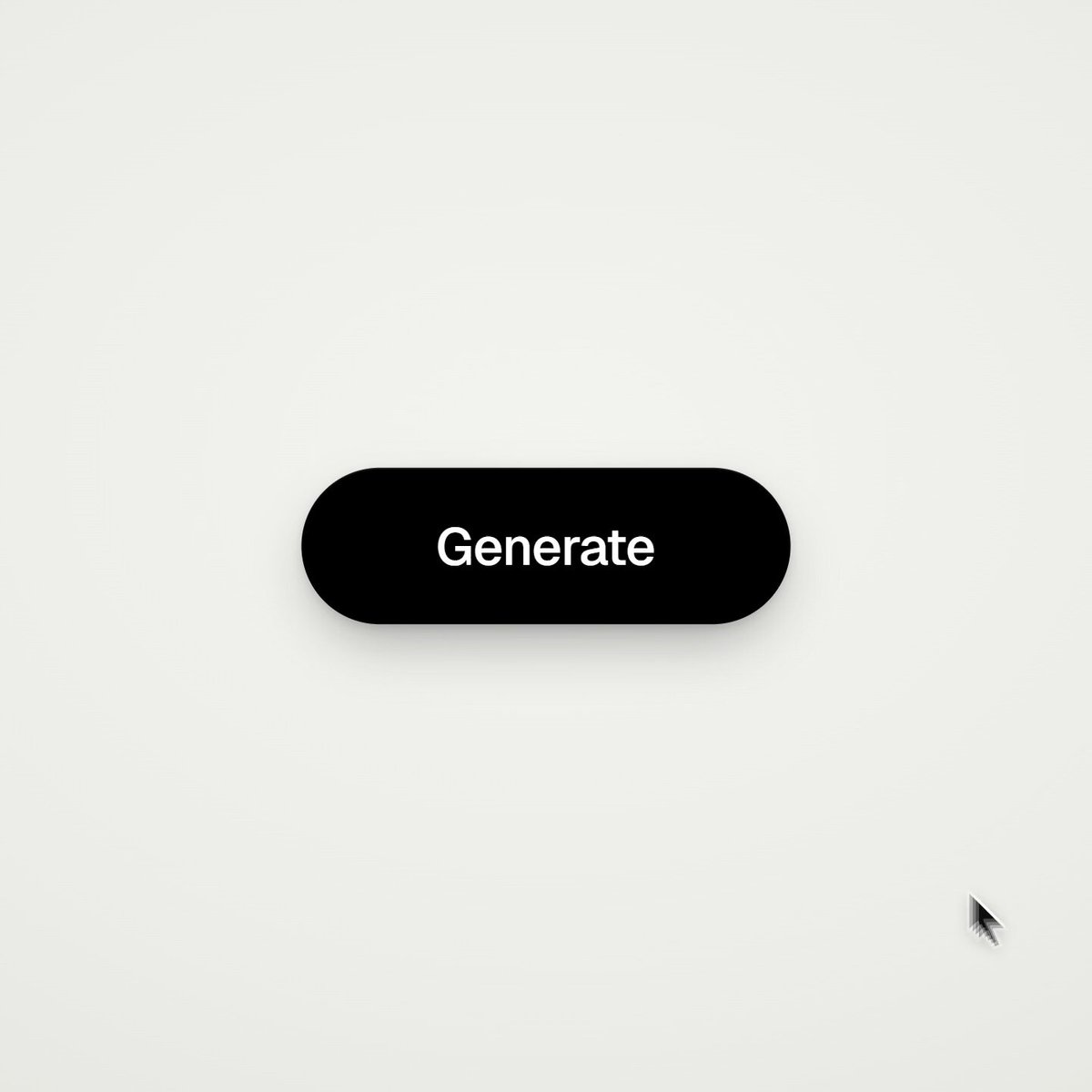
- [00:00]: A black pill-shaped button labeled "Generate" is clicked by a mouse cursor.
- [00:01]: The shape morphs into a compact dynamic island/media status bar displaying an album art gradient and animated waveform audio visualizer.
- [00:02]: The pill expands into a full dark-mode music player widget labeled "motion study 02 / made in code" with playback scrubber and control buttons.
- [00:04]: Morphs into a slim volume slider pill with a speaker icon and a draggable slider knob.
- [00:05]: Collapses into an iOS-style toggle switch that is toggled on/off by a cursor.
- [00:06]: Transforms into a segmented tab controller ("Day" tab active).
- [00:07 - 00:09]: Expands into an analytics dashboard card displaying "84,320 total views", an interactive line chart with a data point tooltip ("72,563"), before switching to the "Week" tab ("19,204 total views").
- [00:10 - 00:11]: Morphs into a command palette menu ("Type a command") showing commands like "New project", "Export video", "Frame rate · 60fps", "Motion blur", and "Every frame is code", then filters live as "frame" is typed.
- [00:12 - 00:13]: Snaps into a notification badge reading "✓ Every frame is code" before returning to the original "Generate" button.
Claims & numbers
- "motion study 02" [00:02]
- "made in code" [00:02]
- "84,320 total views" [00:08]
- "72,563" [00:08]
- "19,204 total views" [00:09]
- "Frame rate · 60fps" [00:10]
- "Every frame is code" [00:10, 00:12]
- Creator claim (via title/metadata): "this entire video is code, 0 after effects".
Notable quotes
There is no spoken dialogue; onscreen text highlights include:
- "motion study 02 / made in code" [00:02]
- "Every frame is code" [00:12]
Assessment
This is a technical design and animation demonstration illustrating high-fidelity, math- and code-driven UI layout morphing. The animations run at a smooth 60 FPS with spring-physics easing, matching programmatic layout techniques without reliance on pre-rendered video editing tools.
Lyrics & themes
- Format: Instrumental hip-hop/electronic groove with brief vocal ad-lib samples ("Ooh", rhythmic chops).
- Theme: Fast-paced, rhythmic synchronization of design engineering and motion interaction.
Lore & references
- "Every frame is code" / "0 after effects": A nod to the UI motion engineering movement, where designers build micro-interactions and transitions directly using web/code frameworks (such as React, Framer Motion, or custom Canvas/SVG shaders) instead of post-production tools.
- Dynamic Island & Command Palettes: References modern macOS/iOS UI paradigms (Apple Dynamic Island, Spotlight/Raycast-style command bars).
Visual style & craft
The presentation features a clean, minimalist neumorphic/flat aesthetic against an off-white background with subtle drop shadows. Transitions utilize spring-physics interpolation and layout deformation, smoothly shifting a single container geometry across diverse aspect ratios, text states, and child elements. The cursor simulates user interaction in tight sync with musical beats.
Described by gemini-3.8-flash on 2026-09-30 from the video's audio and frames.